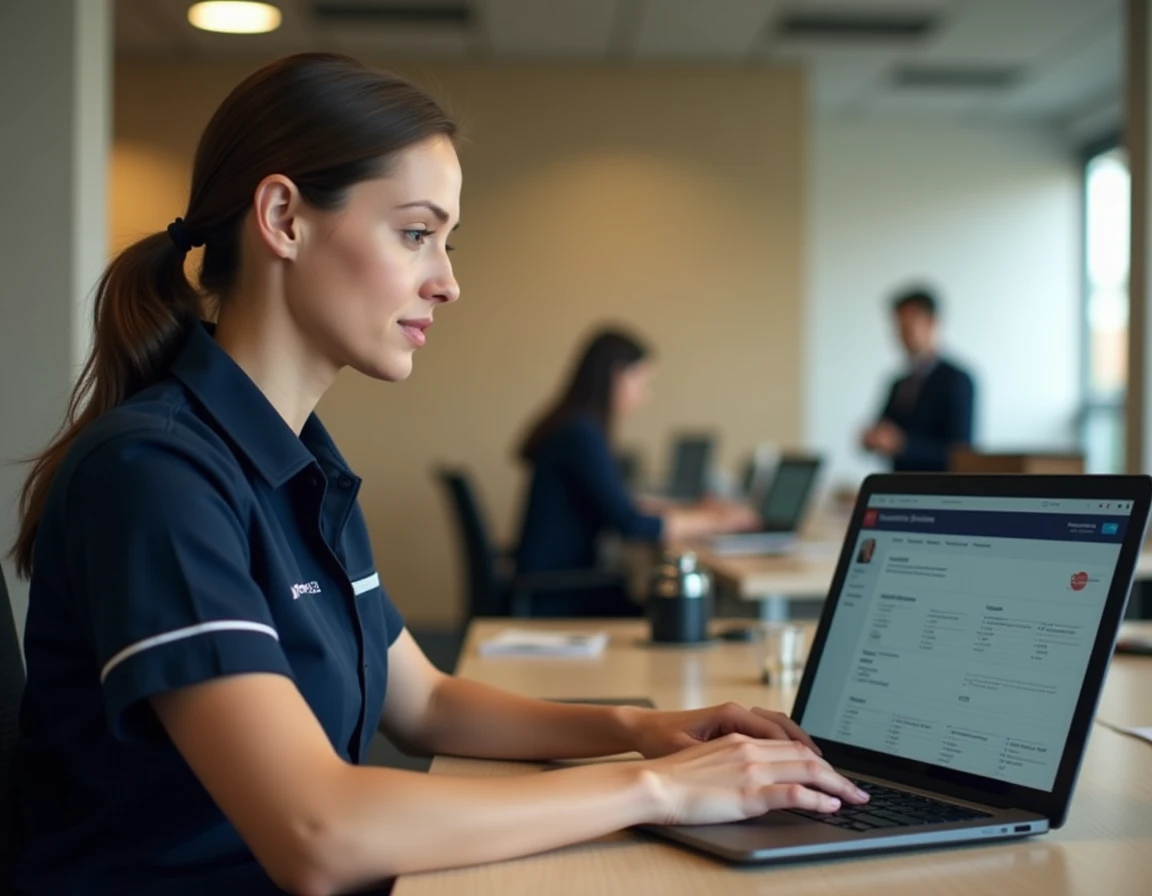
GTM Extranet, accessible via the MaBoxRH portal, remains the main entry point for La Poste Group agents who need to consult their rights, schedules, and HR information. The gradual shift towards a fully digital system, accelerated since 2024, makes mastering this tool essential from onboarding.
Virtual keyboard and authentication on GTM Extranet: technical mechanism

Authentication on MaBoxRH relies on a virtual keyboard for password entry. This device limits the risks of keylogging, but it imposes a specific handling that often confuses first-time users.
The keyboard only accepts the tab key to navigate through the numbers, not the arrow keys. Each digit of the password is validated individually with the Enter key. The Shift + tab combination allows you to go back in the sequence.
For agents using a screen reader (JAWS, NVDA), a “Activate Sound” button precedes the virtual keyboard. We recommend activating it before any interaction with the keyboard; otherwise, navigation becomes silent and tracking the numbers becomes impossible. This accessibility point, compliant with the RGAA commitments updated in August 2024, is part of the improvements the group is deploying across all its online services.
The procedure to access the GTM La Poste extranet requires having your HR identifier, distinct from any personal La Poste identifier. In case of password loss, resetting it goes through the dedicated form on maboxrh.laposte.fr/lost-password, which requires either the secret answer configured during the first login or an active professional email.
HR identifier and first access to MaBoxRH: what concretely blocks access
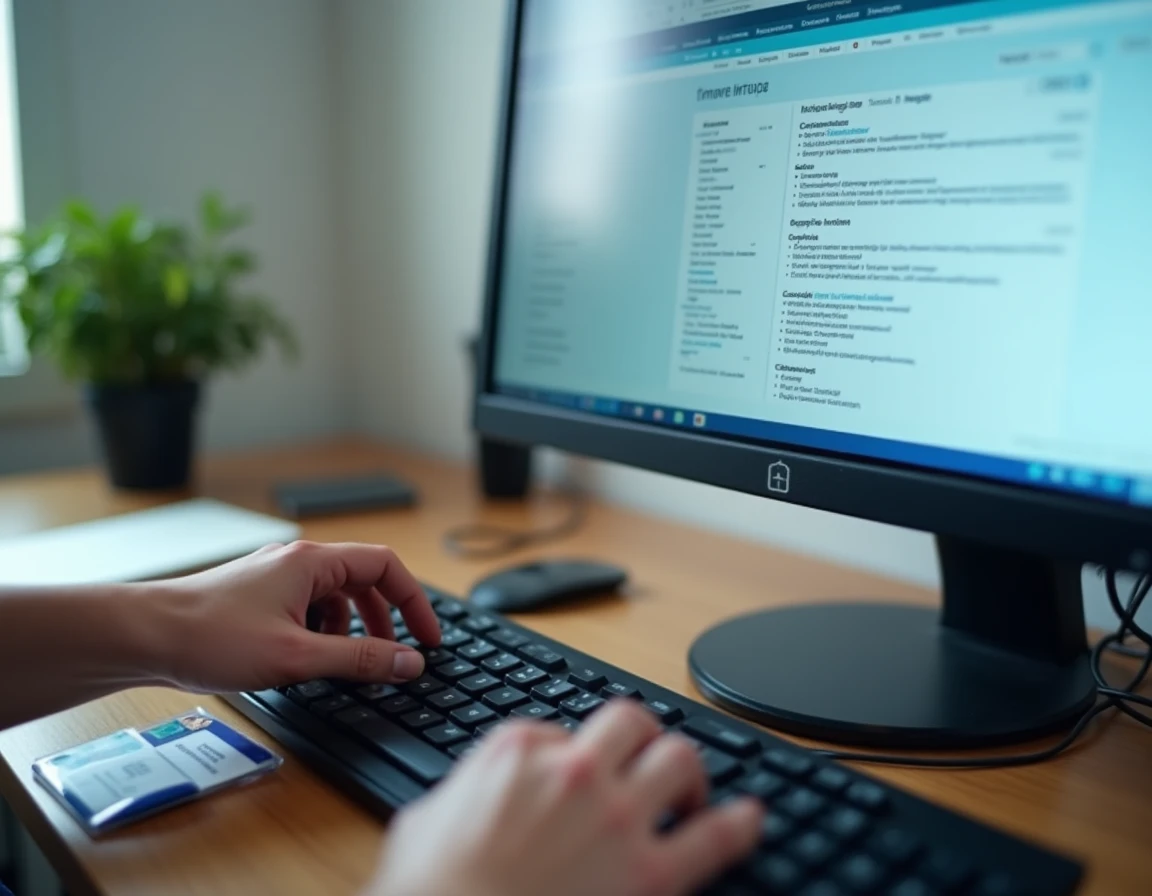
The most frequent blockage is not technical but organizational. The HR identifier is assigned by the human resources department, not by the agent themselves. New hires generally receive it during their onboarding process, sometimes with a delay of several days after starting the job.
Since 2024, the trend observed in feedback from new employees shows that managers and nearby HR increasingly incorporate a mini-training on GTM/MaBoxRH right from onboarding. This training covers three concrete points:
- The location of the HR identifier on the payslip or hiring letter, and the distinction from the public La Poste account identifier
- The configuration of the secret answer and backup email during the first login, a step often overlooked that complicates any subsequent reset
- Navigation by landmarks and titles in the interface, which does not reload new pages but updates the content on the current page (single-page architecture)
If the identifier or secret answer is lost and the backup email is inaccessible, the only recourse is to contact the HR Mail support via [email protected]. The direct hierarchical manager or nearby HR can also initiate an unblocking procedure.
Consulting schedules and HR rights on GTM Extranet
Once logged in, the MaBoxRH interface centralizes the consultation of schedules, leave balances, and rights related to the contract. Internal navigation does not generate page reloads: content is displayed dynamically, meaning that after clicking on an internal link, the cursor remains at the location of the clicked link. To reach the updated content, you must navigate via page landmarks or section titles.
This behavior, typical of single-page applications, disorients agents accustomed to traditional web navigation. We observe that the majority of reports to support concern precisely this mechanism: the agent clicks, nothing seems to happen visually, while the content has indeed changed further down the page.
Rights and absences: real-time balance reading
The leave balances displayed in GTM Extranet reflect data synchronized with the HR Mail system. Any modification validated by the manager appears after a synchronization delay, which varies according to the branch and the agent’s affiliation. A leave request made in the morning may not appear in the updated balance until the next day.
For questions regarding inconsistencies between the displayed schedule and the actual schedule, the channel remains the same: nearby HR or direct manager. Technical support ([email protected]) only addresses access issues, not disputes over data content.
Migration to Oracle Cloud HCM: impact on GTM Extranet
Since 2024, La Poste has initiated a gradual overhaul of its HR tools around Oracle Cloud HCM. This migration involves a functional convergence between MaBoxRH/GTM Extranet and the new Oracle modules for managing employee data, absences, and rights.
In practical terms, this means that some features currently accessible via GTM may migrate to the Oracle portal (hcmUI.fa.em2.oraclecloud.com) in the coming months. Agents have nothing to do at this stage, but it is useful to know that:
- The unified access to schedules, absences, and HR files is the stated goal of this convergence
- The current identifiers for MaBoxRH will not necessarily be retained identically on the new portal
- Trade unions are closely monitoring this transition, particularly regarding support for agents who are not comfortable with digital tools
The shift to fully digital processes for HR tasks (leave, mobility, administrative requests) makes mastering the extranet non-optional. Correctly configuring access from the first login, by providing the secret answer and backup email, remains the best assurance against future blockages. Agents who anticipate the Oracle migration by familiarizing themselves with the current interface will be the least disrupted by the portal change.